 SubSwap
Free Browser Extension · v1.0.6
Move your YouTube subscriptions to a new account.
Switching YouTube accounts means finding every channel you follow and pressing Subscribe on each one again. SubSwap does that part for you: save the list on the old account, then subscribe to all of it on the new one.
Works in Chrome, Edge, Brave, Vivaldi and Opera. No account, no password, no server.
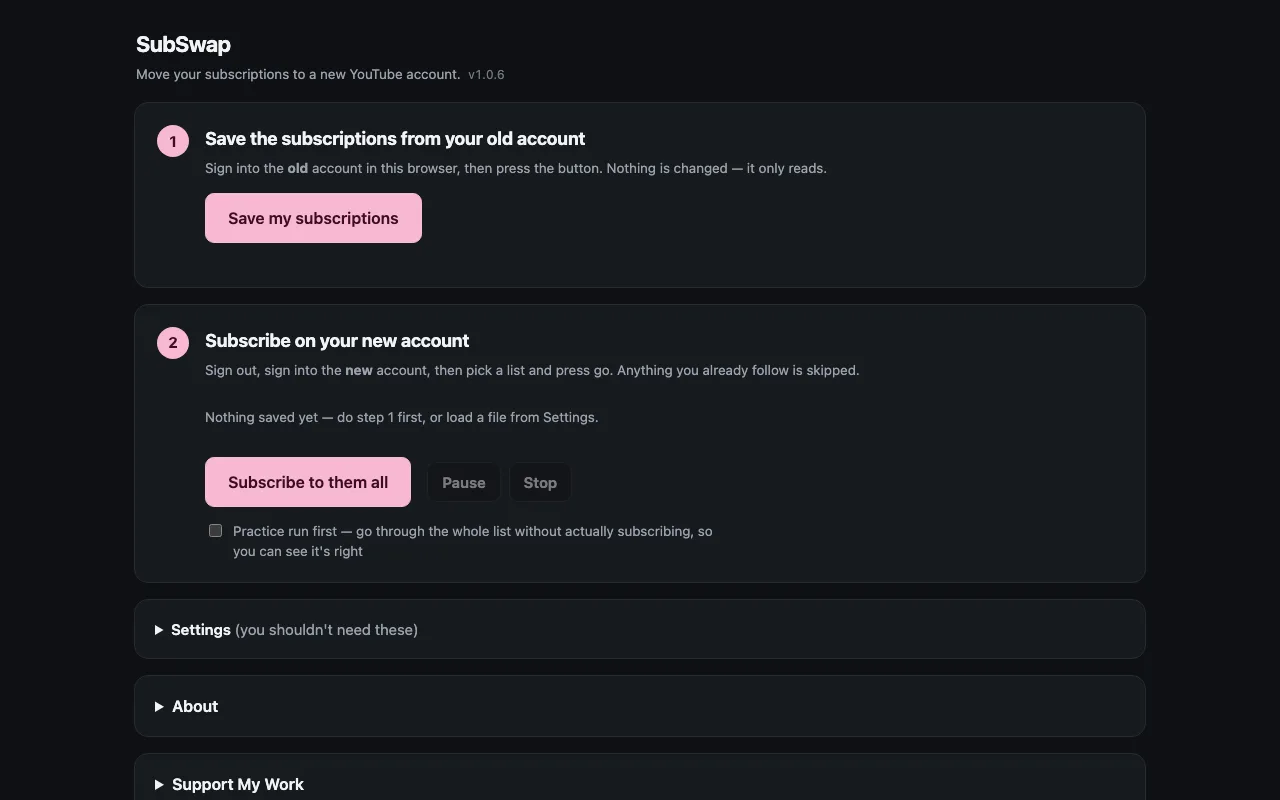
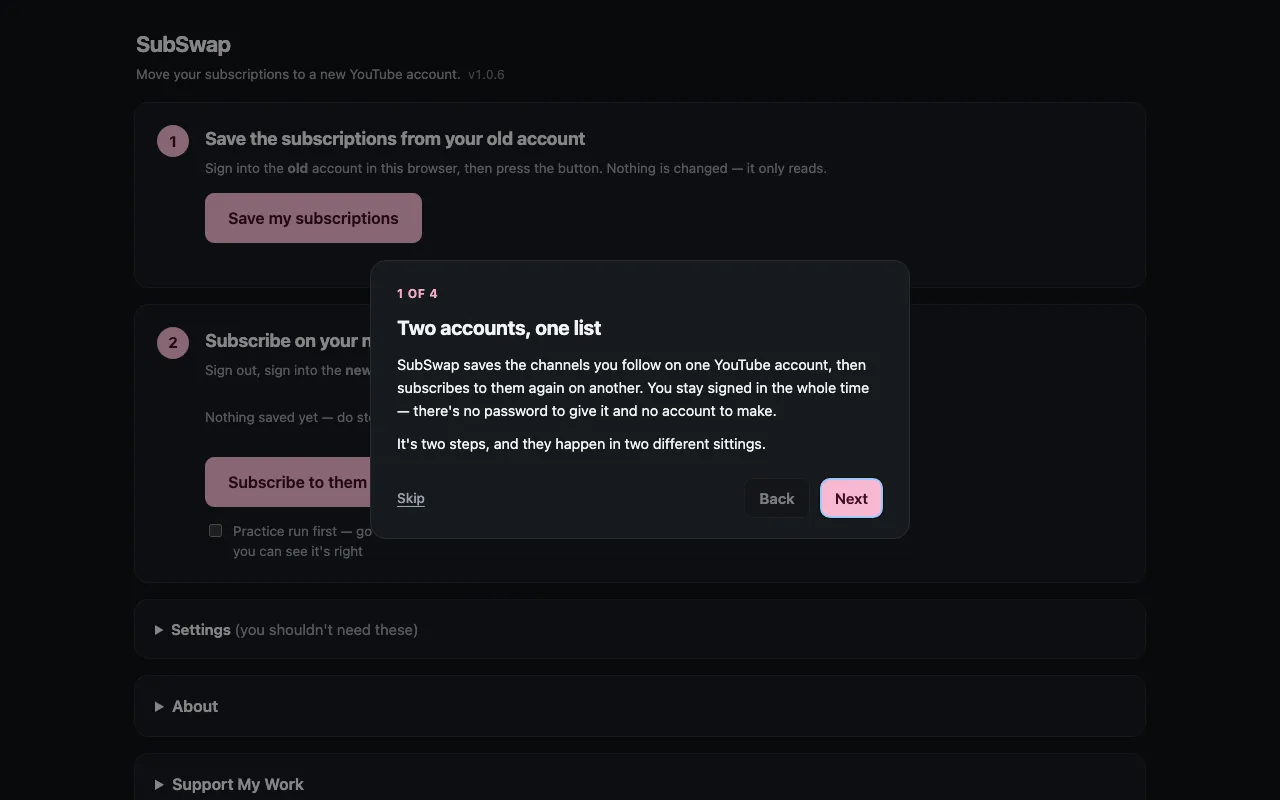
Two Steps, Two Sittings
Save From Your Old Account
Signed into the account you're leaving, press Save my subscriptions. A YouTube window scrolls through your subscriptions for a few seconds and closes itself. Nothing on that account changes - it only reads.
Subscribe On Your New Account
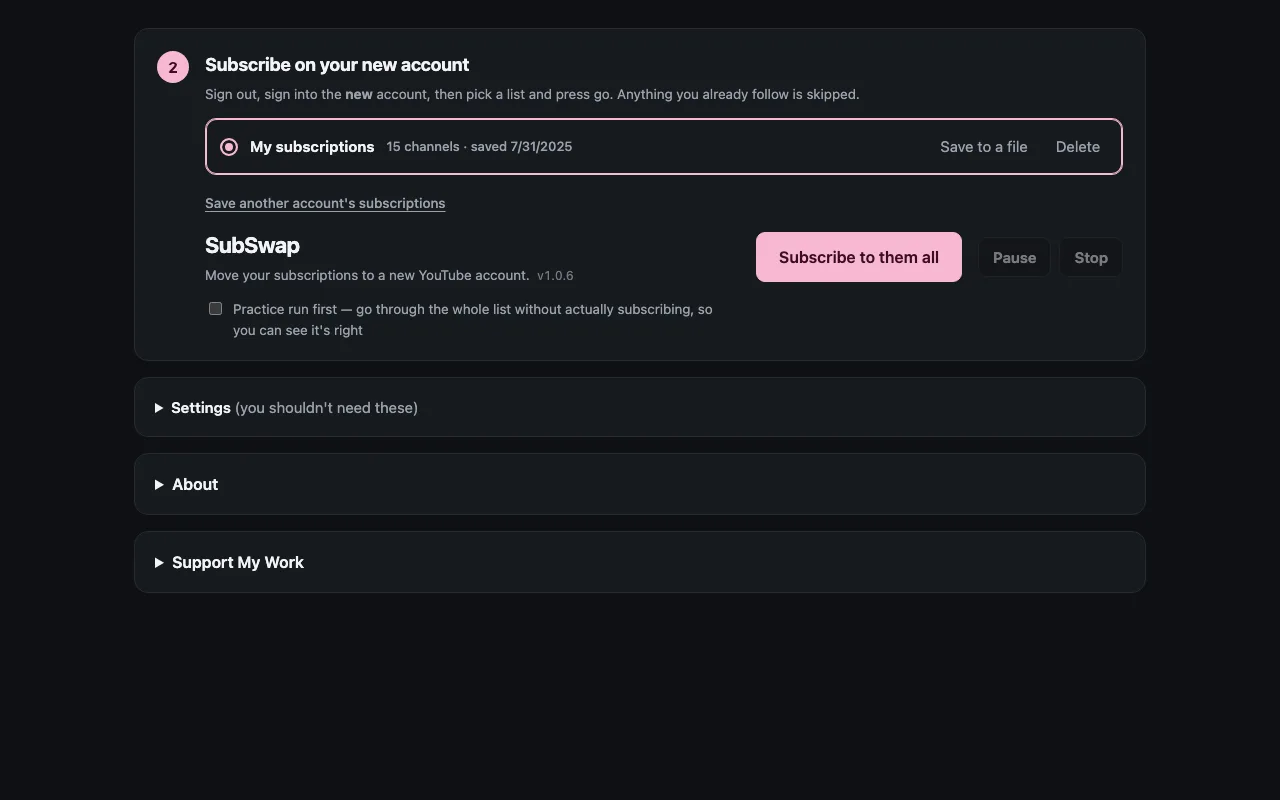
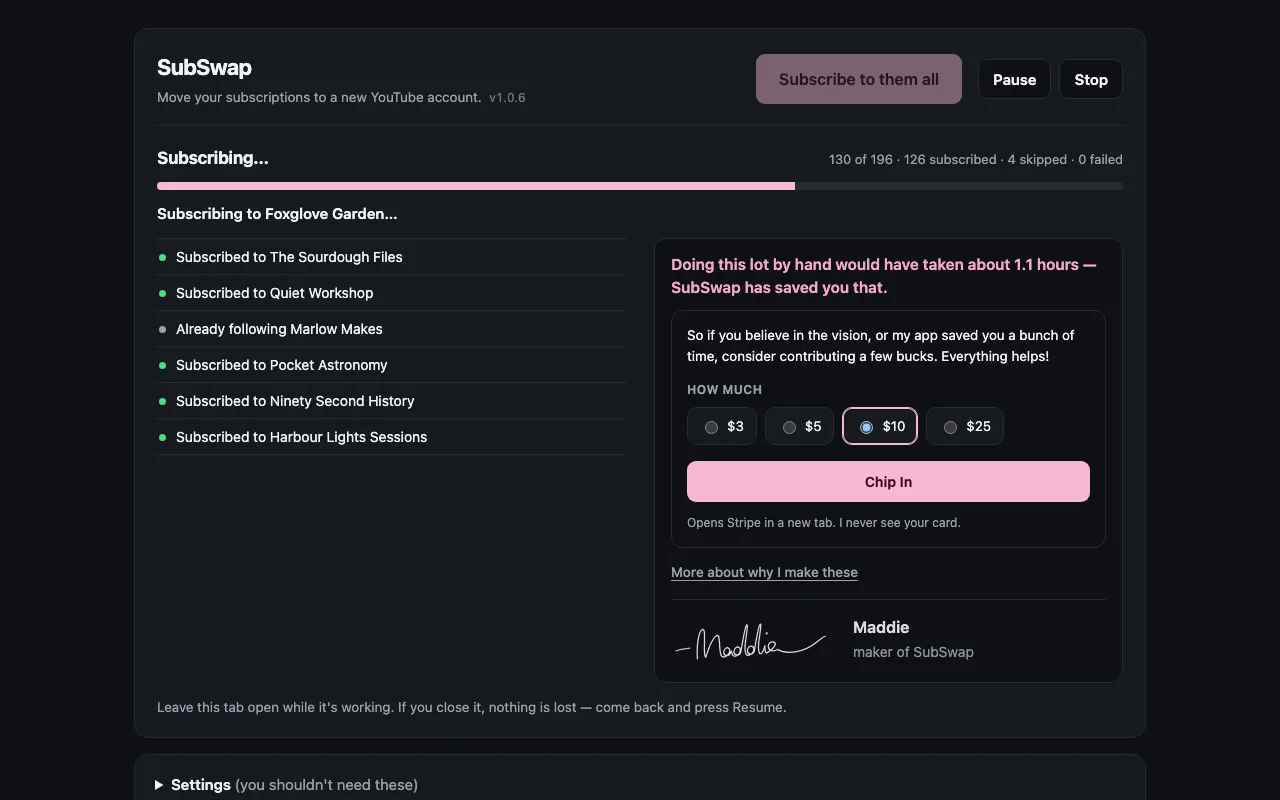
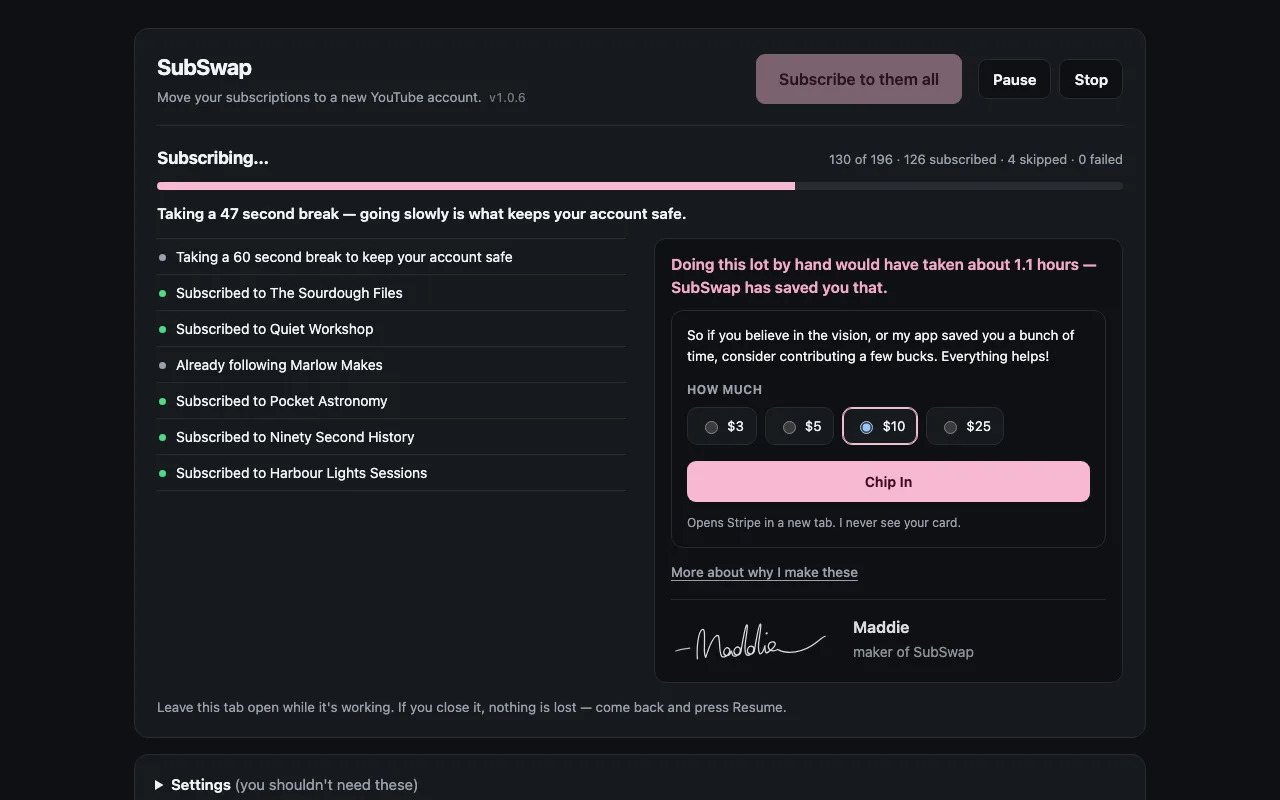
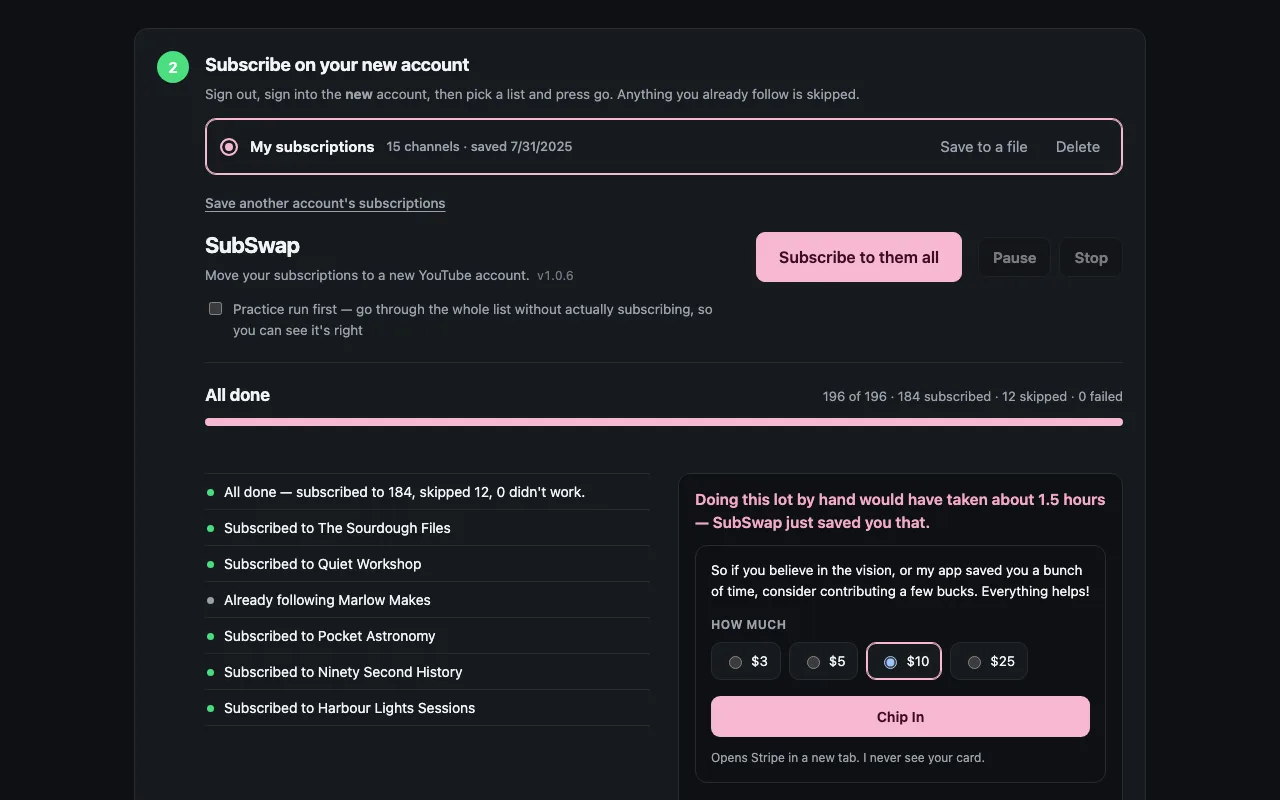
Sign into the new account, pick the saved list and press go. SubSwap works through it one channel at a time, skipping anything you already follow, and you can watch every step as it happens.
Built To Keep Your Account Safe
Practice Run First
Tick Practice run and SubSwap goes through the entire list without subscribing to anything, so you can see it's right before it touches your account.
Slow On Purpose
A gap between every channel and a longer break every twenty. Rushing is what gets accounts limited, so it doesn't.
Pick Up Where You Left Off
Close the tab or restart the browser mid-run and nothing is lost. Come back and press Resume.
Nothing Leaves Your Browser
No account, no server, no analytics, no YouTube API key. Your list lives in your own browser and nobody else can see it.
Got A Google Takeout File?
Load your Takeout subscriptions CSV instead of scanning - same result, no scan needed.
Open Source
Every line is on GitHub under the MIT license, including the part that reads your subscriptions. You don't have to take anyone's word for what it does.
See It Working
Free, And Staying Free
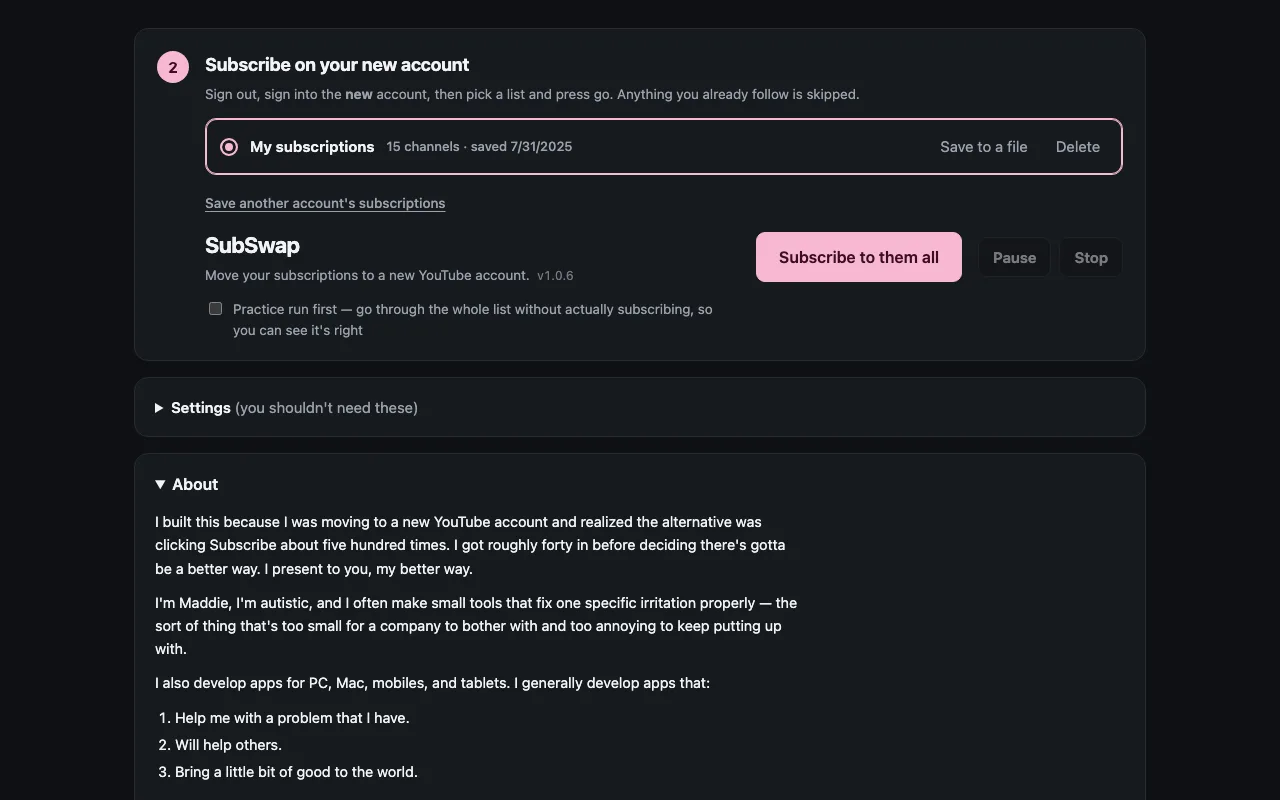
There's no paid tier, no ads and nothing held back. SubSwap is made by Maddie, an autistic developer who builds small tools that fix one specific irritation properly. If it saved you an evening of clicking Subscribe, you can support her work.